
How do I access the Bookstack?
What is this page?
This page is the only page visible to users who are not logged in. In order to see the rest of the documentation, you first need to log in.
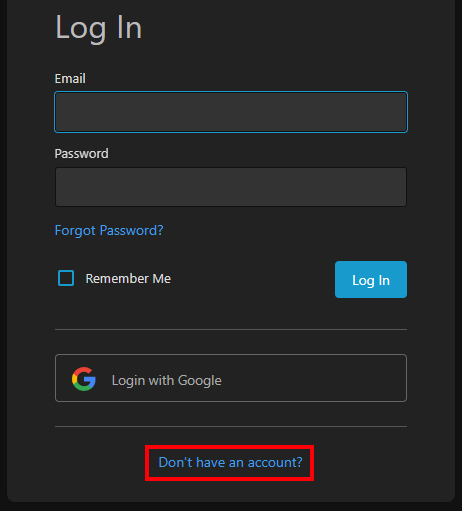
If you have an account already then click "Log in" at the top right of this page to send you back to the homepage and click the "Login with Google" button on the login page. Make sure you log in with your work email, and you should be good to go.
I got an error saying "This Google account is not linked to any users"!
If you get this error, it's because your account is not set up in Bookstack. If this happens, on the main page click the "Don't have an account?" button, and then the "Sign up with Google" button. This will prompt you to sign in with your work email.
|
|
|
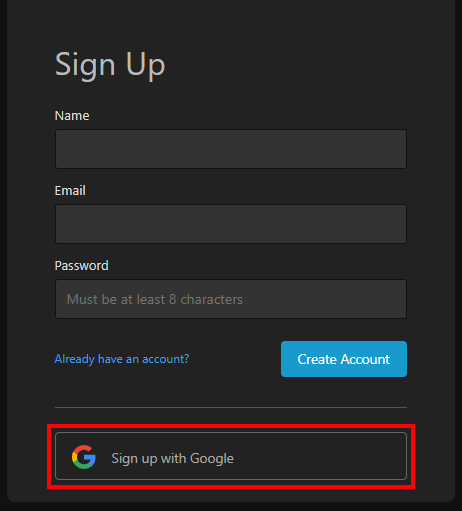
After this, you'll receive an email asking you to verify your account. Once this has been done, you should be able to log in as intended.
No comments to display
No comments to display